eventflair support
How can we help?
Search the operating manual, watch a quick guide or ask the help assistant.
Ask the help assistant
Get an instant answer drawn only from eventflair's guides.
Watch and learn
Video guides
11 guides
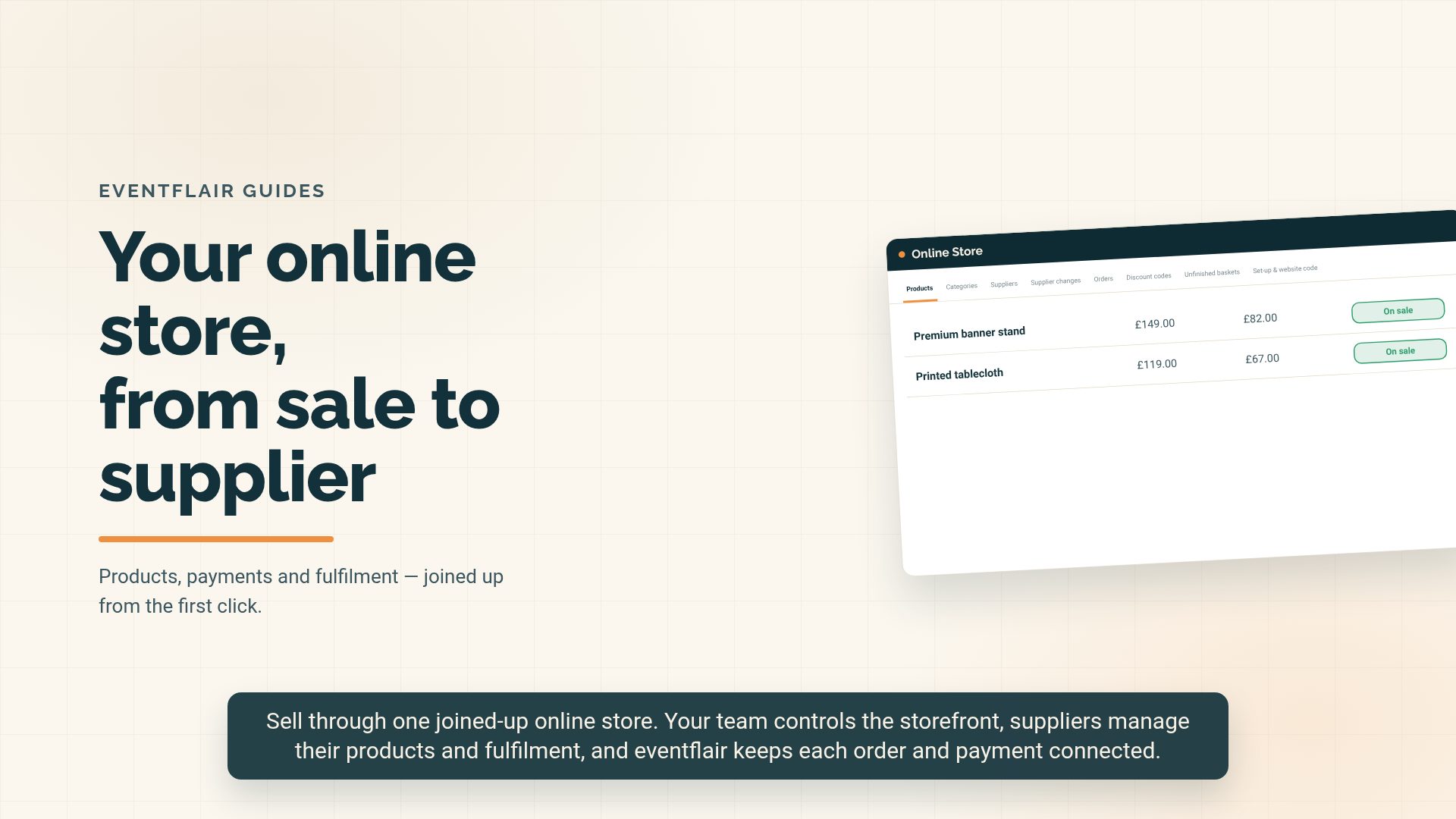
Selling through the Online Store
Staff · Online Store
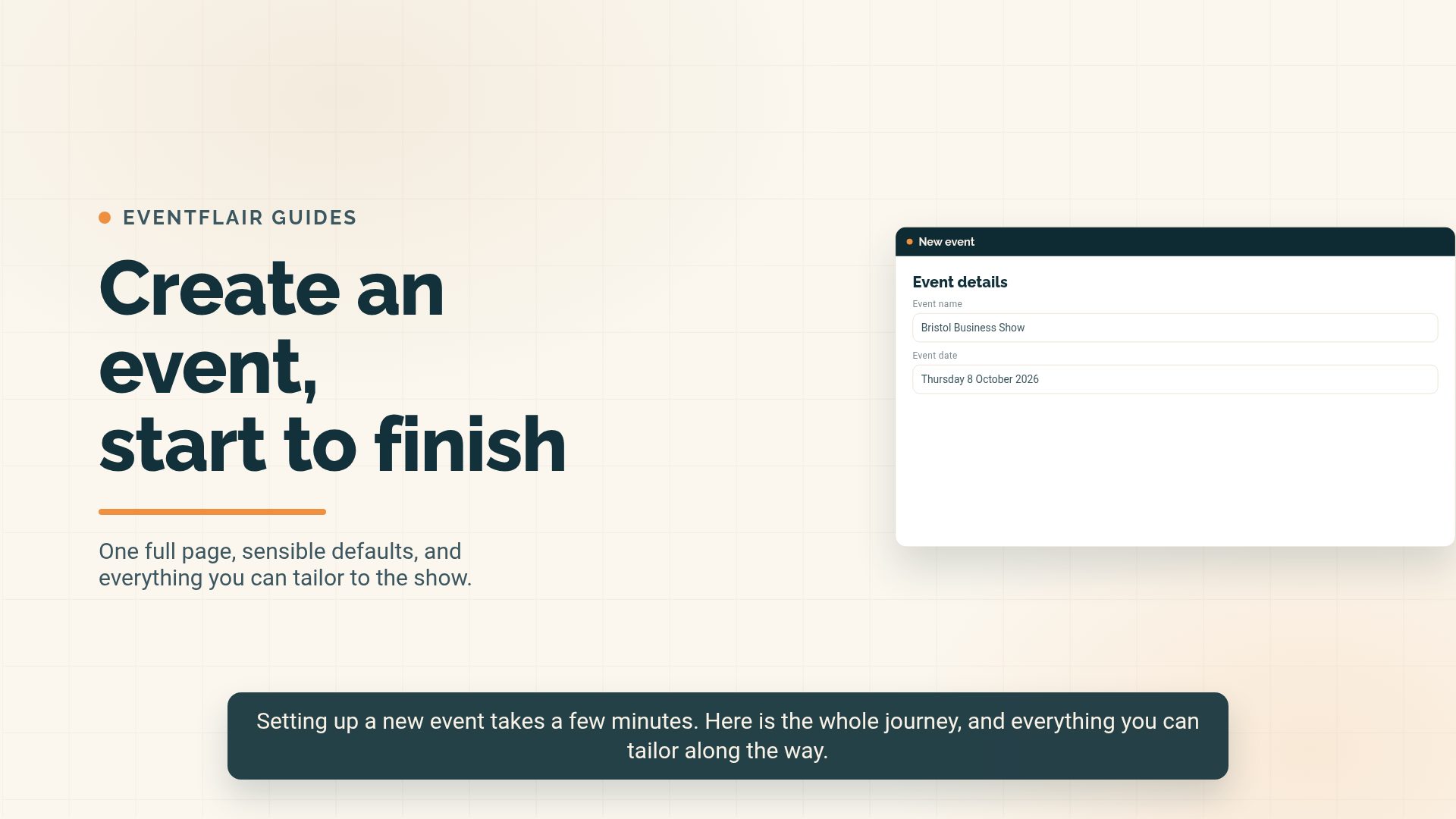
Creating and managing events
Staff · Events
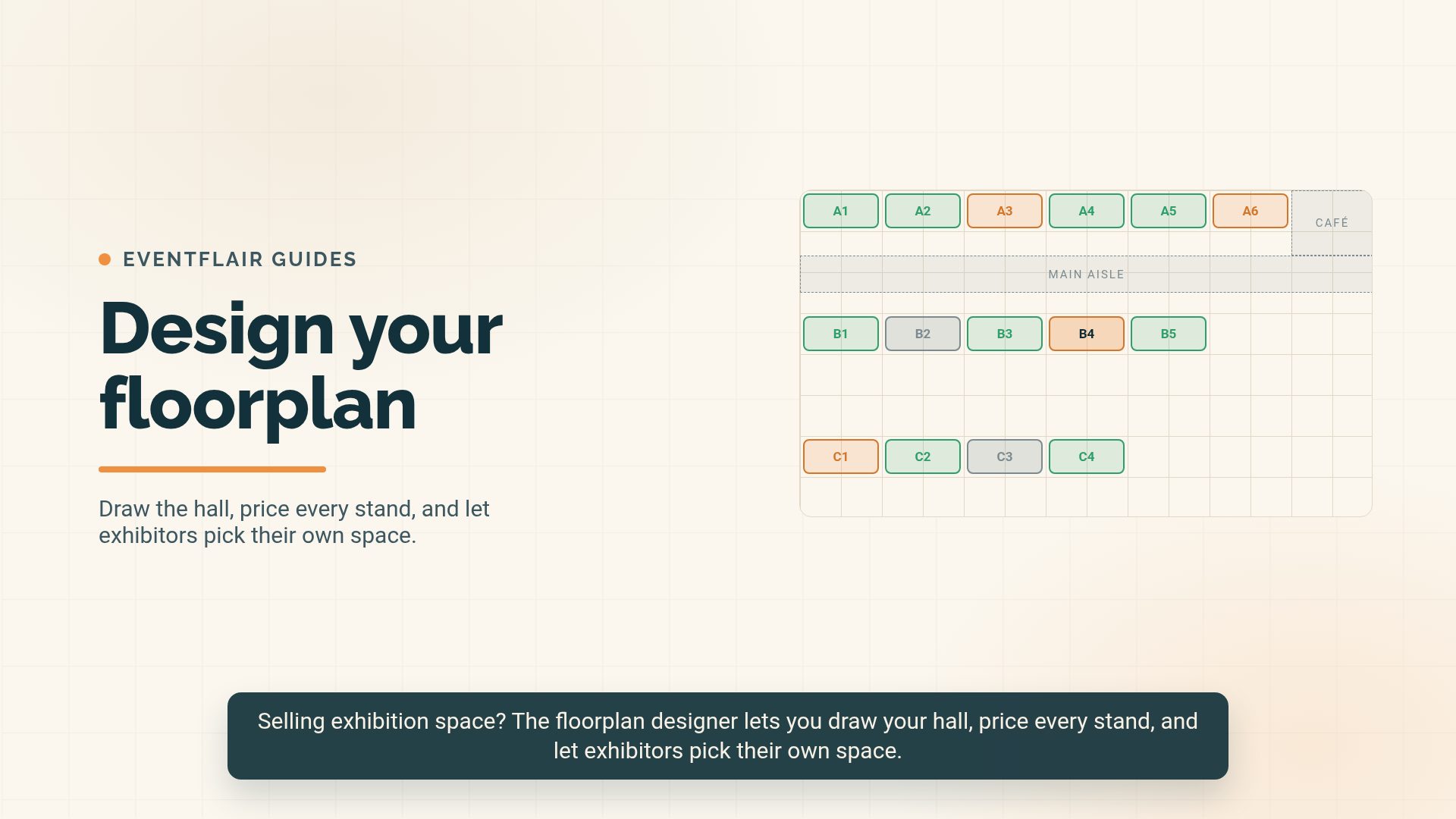
Designing an interactive floorplan
Staff · Events
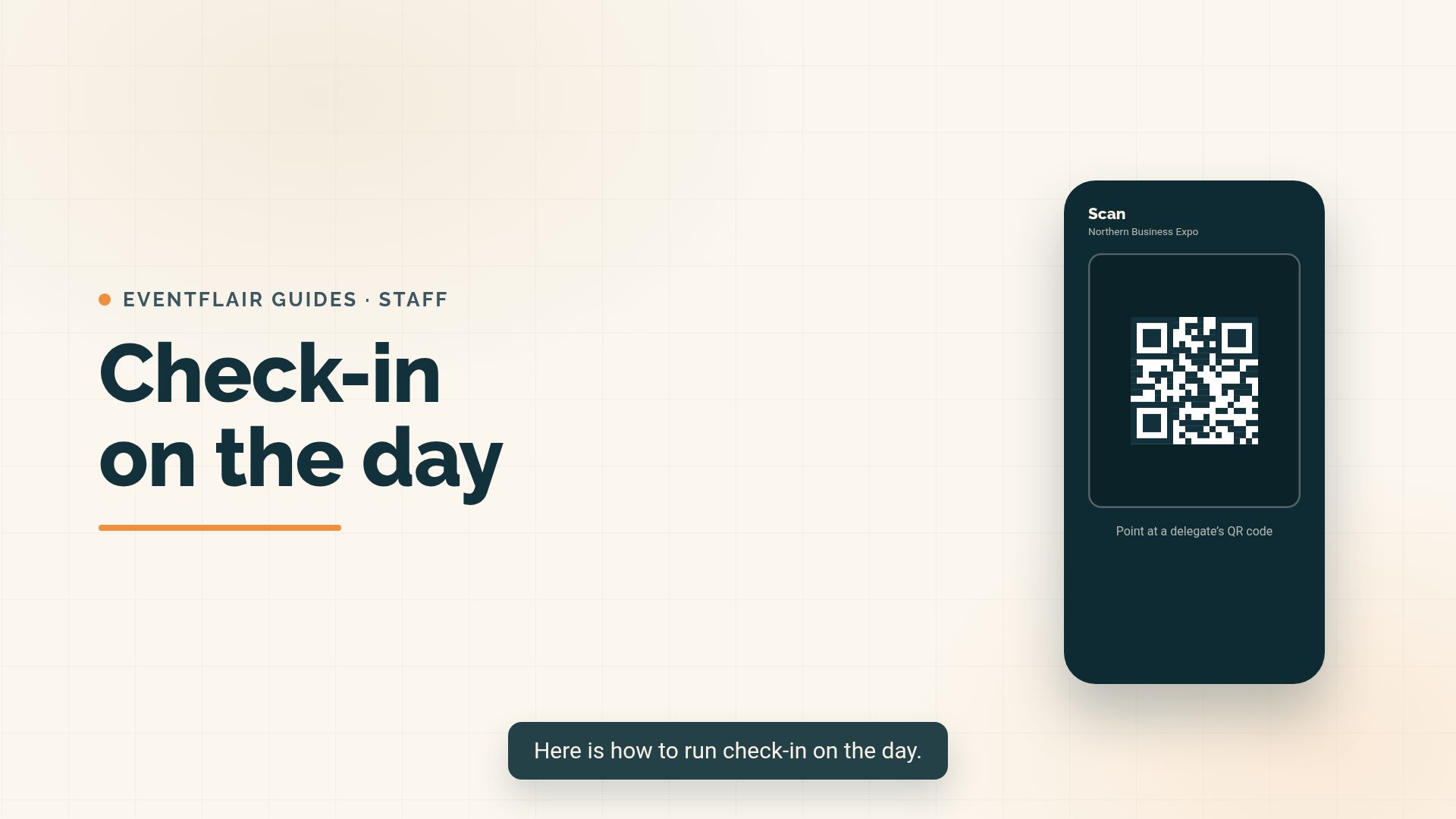
Running check-in on the day
Staff · Attendees
Using Eventbrite with eventflair
Staff · Data
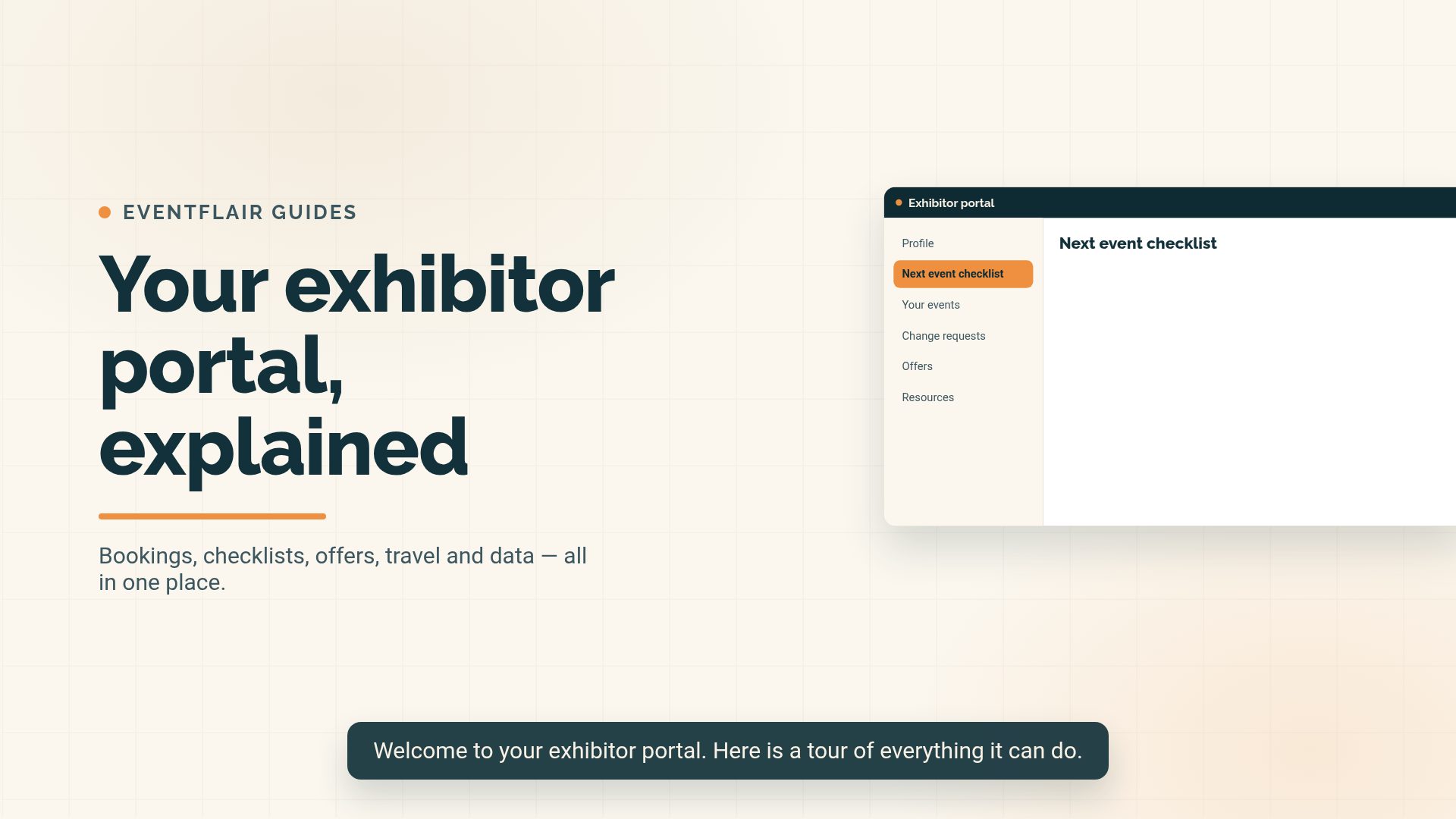
Signing in to the exhibitor portal
Exhibitors · Portal
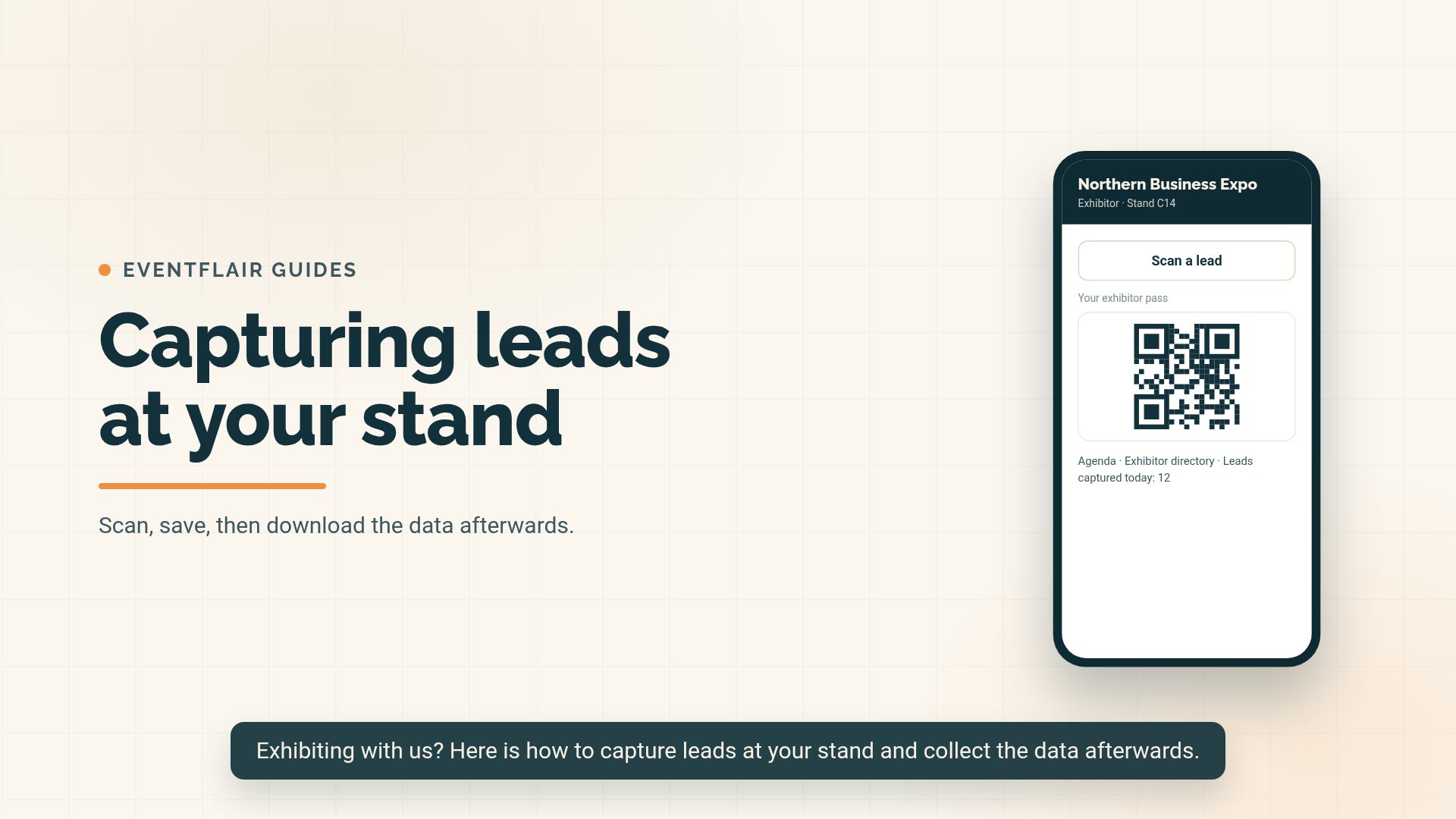
Delegate data and lead capture
Exhibitors · Offers
Exhibitor portal: full step-by-step walkthrough
Exhibitors · Portal
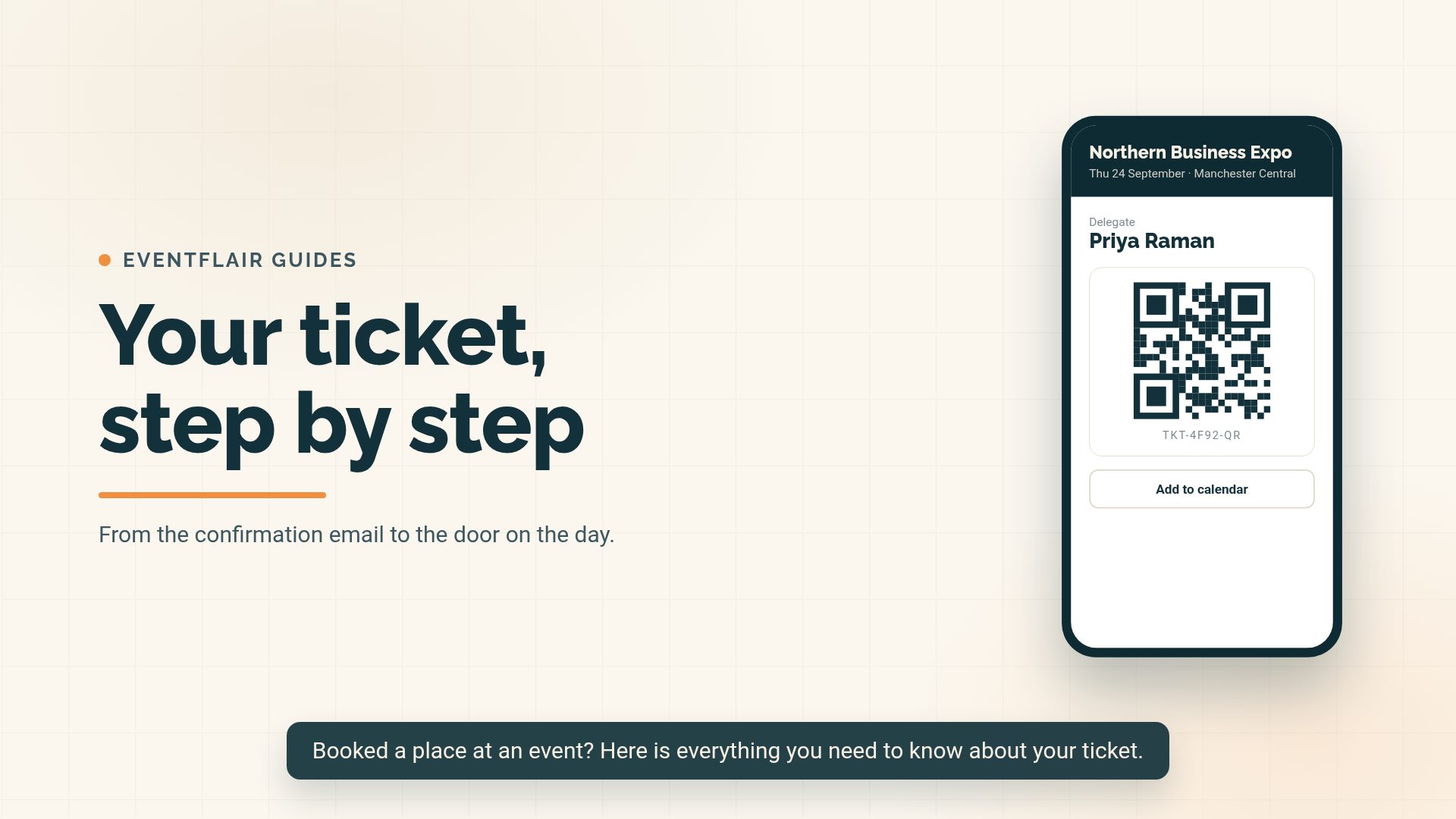
Registering for an event
Attendees · Tickets
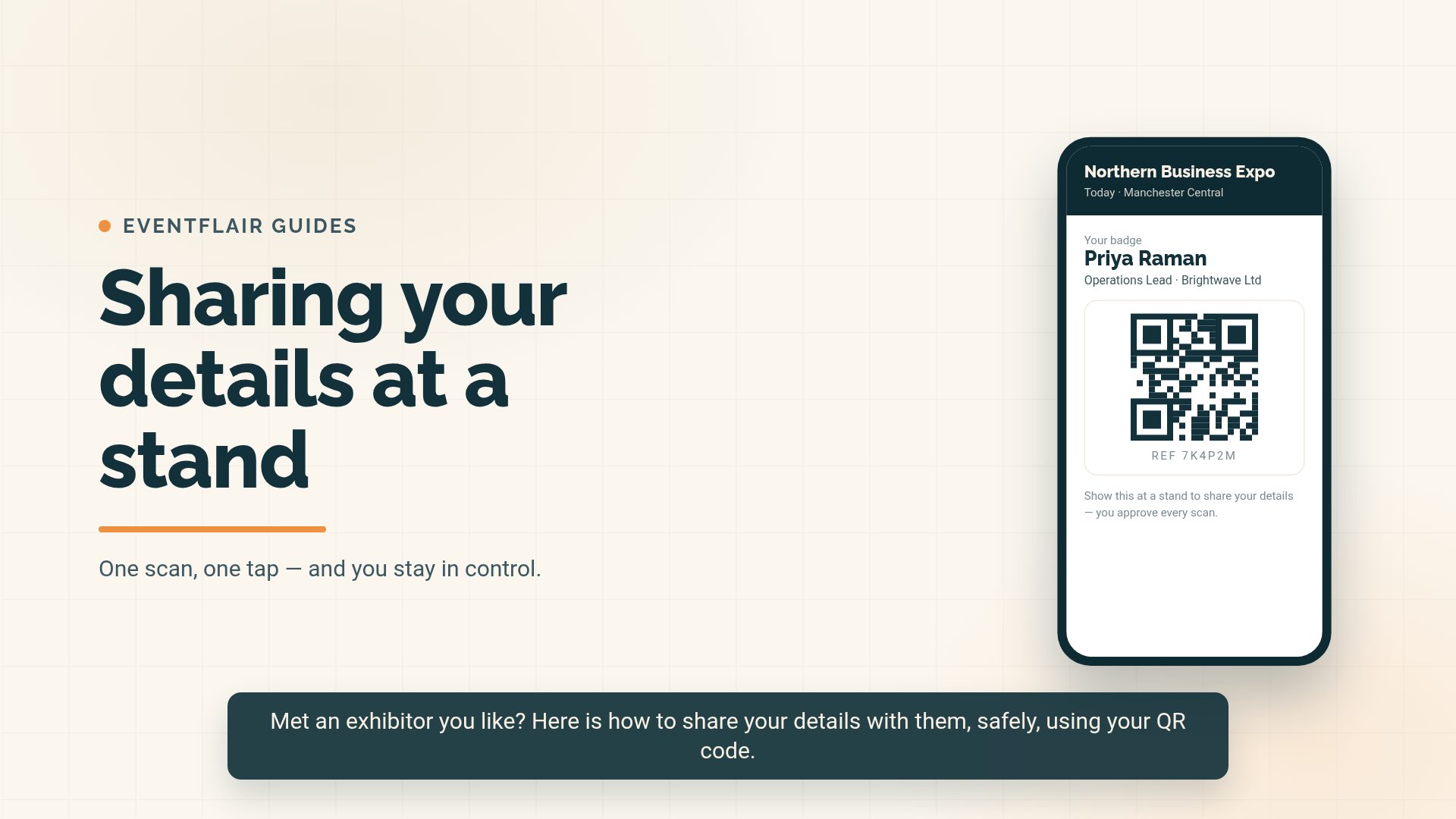
Sharing your details at a stand
Attendees · At the event
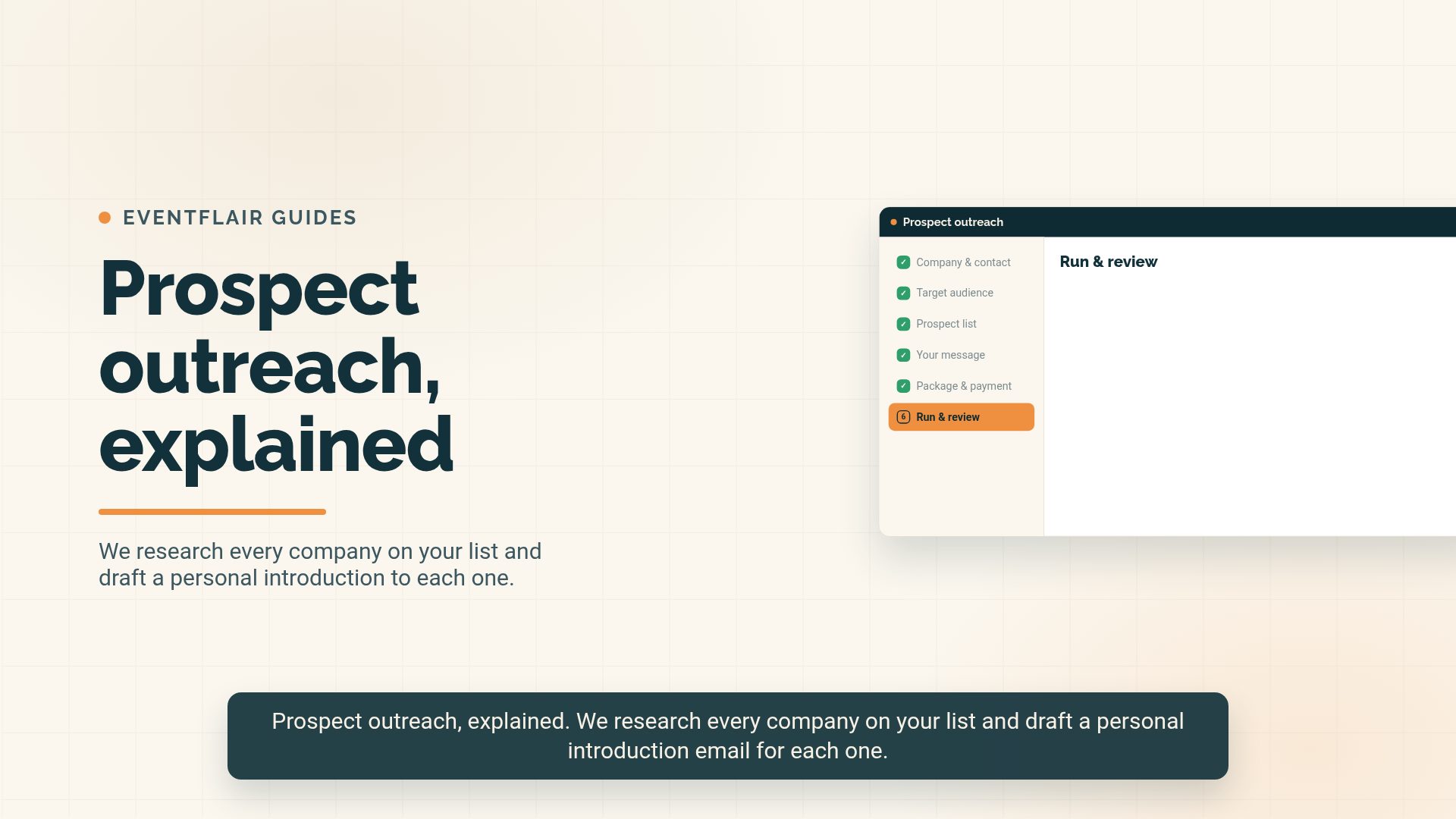
Using the outreach client portal
Enrichment & outreach · Enrichment & outreach
Operating manual
Browse by role
Online Store1
Basics1
Events5
Creating and managing events
Add an event, set the type, dates, stand prices and availability.
Designing an interactive floorplan
Draw the hall on a grid, price every stand, publish it and let exhibitors reserve space.
Stands, extras and pricing
How stand types, mandatory items and optional extras are priced.
Creating events from saved defaults
Save a complete event setup and reuse it without rekeying every value.
Meet the Expert sessions and 1-2-1 bookings
Bookable 15-minute appointments with experts and exhibitors.
Bookings7
Taking a booking
Create an order, apply rate types, add extras and record the invoice.
Booking a season pass
Book one exhibitor into several events in one go.
Referrers and commission
Referral codes, commission rates, payouts and statements.
Event change requests and upgrades
Approve, charge for or decline exhibitor change and upgrade requests.
Merging duplicate customer records
Choose the record to keep and merge only the duplicates you select.
Capturing rebooking interest on a waitlist
Collect next-event interest before a particular event is ready to book.
Card stand bookings and Awaiting payment
Card bookings confirm themselves when paid; unpaid ones wait in their own tab.
Attendees2
Venues1
Marketing7
Emails and campaigns
Edit email copy and schedule campaigns relative to event dates.
Embed codes and public links
Every public URL and iframe snippet for an event, in one place.
Creating and sending a digital event guide
Build, preview, test and distribute the online and downloadable event guide.
Managing paid adverts and advert invoices
Price, approve and report on event banners and event-guide adverts.
Setting fallback wording for public event pages
Set reusable introduction and search wording with event merge codes.
Social posts and SocialBee automation
Create exhibitor and speaker posts and send them to SocialBee automatically.
Voice Social: post to LinkedIn from a voice note
Record a note on your phone, approve the AI-written post and publish it.
Data4
Importing events, venues, customers and attendees
CSV imports including Eventbrite and LinkedIn attendee files.
Using Eventbrite with eventflair
Link or create an Eventbrite listing, map ticket types and sync bookings live.
Reports and exports
Stand lists, bookings, customer history and delegate data.
Managing exhibitor data hand-offs
Let exhibitors send post-event contacts into their own email platform.
Admin4
Users, roles and approvals
Admin, Manager, Finance and Viewer tiers, and what needs approving.
Admin settings
Organisation details, currency, logo, pricing options and support email.
Access and mobility (Blue Badge) requests
Track and complete accessibility requests from exhibitors.
Subscription promo codes
Platform admin only: create discount codes for subscription tiers, see who redeemed them and review the change history.
Sales2
Payments1
Exhibitors2
On the day1
Reports1
Still need a hand?
Send the team a message and we'll reply by email.